The difference is in the details.
Fine-tune framing, brightness, contrast and saturation in the app. Compare with the original, undo, and explore without losing your way.
A favorite photo. A passing thought. A face that feels like you. Turn an everyday glance into something personal.
iPhone & Apple Watch · No account needed

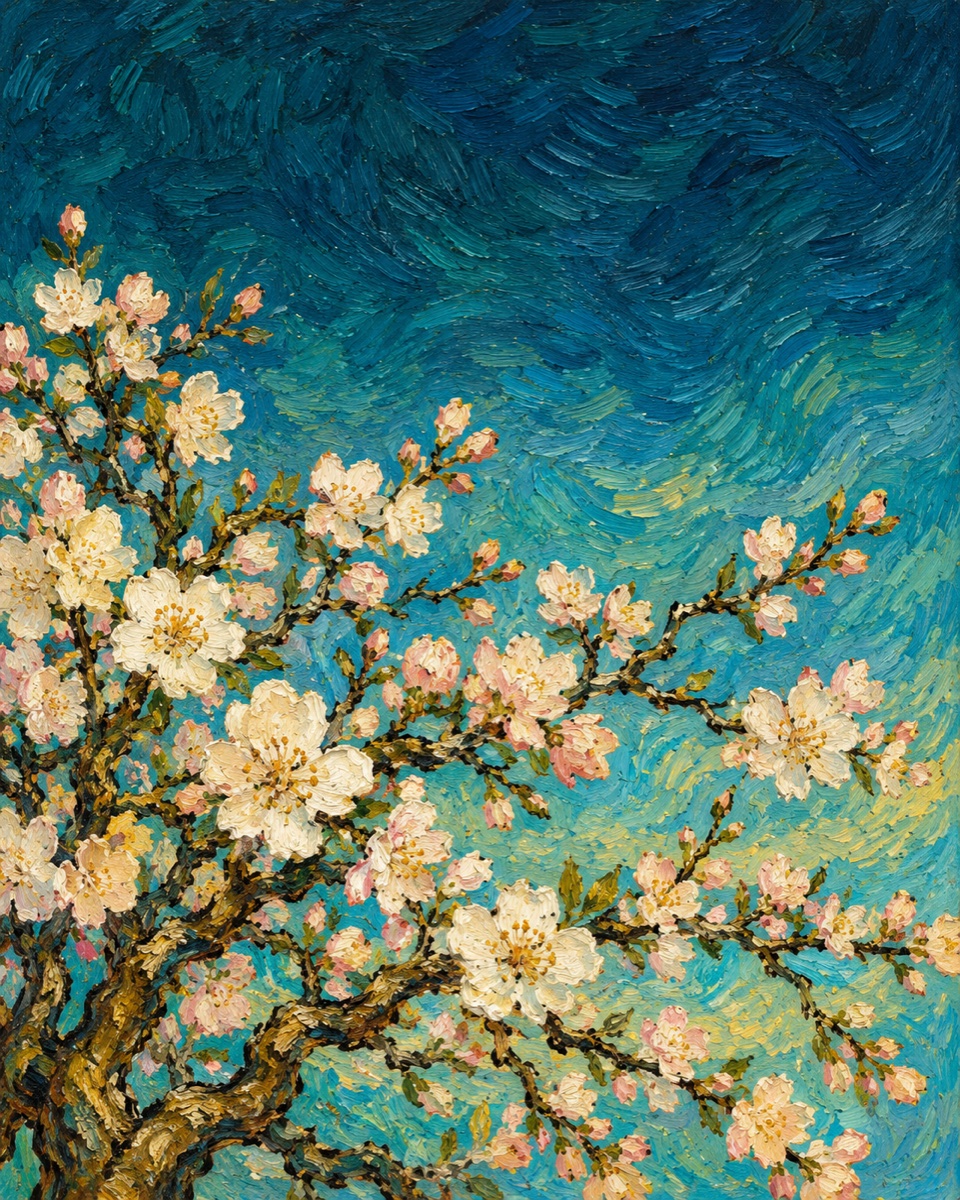
Expressive brushstrokes. Quiet moments.
29themes to spark an idea
4languages in the app
On deviceyour designs stay yours
Your pacefrom first idea to everyday
Five AI artworks inspired by Van Gogh.
Starlight, golden fields and a moment in bloom.
AI-created interpretations, not reproductions of original Van Gogh paintings. Select an artwork to try it in the studio.
Start with something beautiful.
Find your light. Make space for your details.
A preview of artwork and color adjustments. No watch connection or image uploads.
Fine-tune framing, brightness, contrast and saturation in the app. Compare with the original, undo, and explore without losing your way.
Explore visual ideas with Apple Image Playground on supported devices. Or begin with a favorite photo. AI is always optional.
Save your design and background together, and sync to the WatchAide watch app when available. Then add a Photos face in Apple’s Watch app.
A simple creative ritual.
The final choice is always yours.
Choose a theme, import a photo, or try Apple’s AI tools on a supported device.
Save your design and background. Start a sync when the paired watch app is installed. Saving to Photos requires your permission.
Choose your exported background in Face Gallery → Photos and add it. System faces are never silently replaced; complication slots are selected manually.
Not silently. WatchAide combines saving, background export and available watch-app syncing into one action. Adding a system Photos face still requires your confirmation in Apple’s Watch app. Preview typography and layouts may differ from the final system face.
Basic editing supports iOS 17+ and watchOS 10+. AI generation requires iOS 18.2+ and available Apple Image Playground, subject to device, region, language and Apple Intelligence settings. The app supports English, Simplified Chinese, Traditional Chinese and Japanese. This website supports Chinese and English.
Your design library is stored on your device, with no WatchAide account or uploads to a WatchAide server. System AI follows Apple’s rules and those of any extensions you choose. This demo accepts no photo uploads and uses no advertising or analytics scripts. Cloudflare hosting may still process access logs. See our privacy policy.
This is a product preview. An App Store download link is not available here yet. The page introduces the development version and does not claim the app has launched.